Tennis desk
Set winner, point by point
ATP and WTA lines update while the rally is on. Cash-out sits on the same ticket.
Open tennis
This guide explains how to download and install the Goldpari mobile app for Android users in Ethiopia. You will find installation steps, technical requirements, troubleshooting advice, and answers to common questions about mobile access to your account.
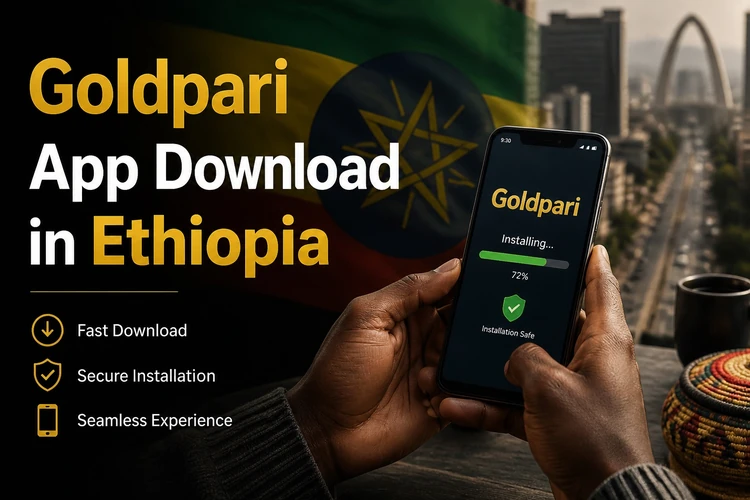
Goldpari offers mobile access through an Android application that lets you manage your account, place bets, and access platform features directly from your smartphone. The installation process requires downloading an APK file and enabling a specific system permission on your device.
Live tennis markets sit in the mobile sportsbook. Cash-out on a qualifying in-play stake does not need a desktop.
Prices jump. Wait for the changeover if your 4G is patchy. A stale tap is a dead ticket.
You can leave a tennis live bet and open the football list without another login.
The Goldpari desk in the browser is the client. Downloads from random chats are not this site.
The Goldpari app is a mobile client designed for Android devices. It provides access to your existing account without requiring you to open a browser every time. The app displays the same account information, betting markets, and platform features available on the desktop version, adapted for smaller screens and touch navigation.
Ethiopian users can download the app as an APK file, which is the standard installation package format for Android. Once installed, the app creates a shortcut on your home screen and runs independently of your browser. Updates are handled by downloading a new APK version when available, rather than through automatic store updates.
Cash-out during the changeover in Mekelle. The button was on the same ticket I opened at home.
I watch the WTA stream and keep Goldpari in the other tab. Phone heat is the only issue, not the slip.
Football accumulator in the morning, tennis live at night. One Goldpari login on the handset.
Follow these steps to download the installation file on your Android device:
Make sure you have a stable internet connection during the download. The APK file size is typically between 15 and 30 MB depending on the current version. If the download is interrupted, you will need to start over, as partial APK files cannot be installed.
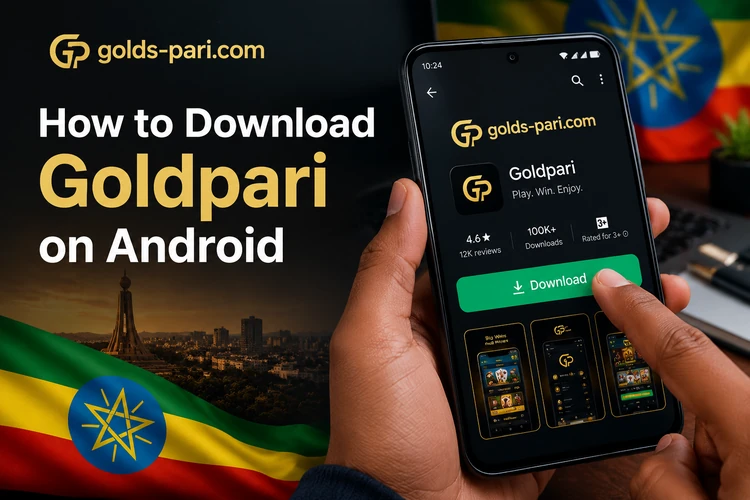
Android devices block installation of apps from unknown sources by default as a security measure. You will need to grant permission before the Goldpari APK can be installed. Here is the installation checklist:
The permission request appears only once per source. After granting it, the APK will install like any other app. You do not need to keep this permission enabled after installation is complete. The Goldpari icon will appear on your home screen or app drawer once the process finishes.
After installation, open the Goldpari app from your home screen. The first launch may take a few extra seconds as the app initializes. You will see the login screen where you need to enter your existing account credentials. If you already have an account on the Goldpari website, use the same username and password.
New users who do not yet have an account will need to complete registration through the website first. The app itself is designed for accessing existing accounts rather than creating new ones during the initial setup. Once you log in successfully, the app will remember your session and you will not need to enter credentials every time you open it.

Ethiopian users have two options for mobile access: the dedicated Android app or the mobile browser version of the website. Each approach has different characteristics that may suit different usage patterns.
| Feature | Goldpari App | Mobile Browser |
|---|---|---|
| Installation | APK download and setup required | No installation needed |
| Storage | Uses 50-100 MB of device storage | Minimal storage impact |
| Access | Home screen icon | Bookmark or URL entry |
| Updates | Manual APK download when new version is released | Website updates automatically |
| Best for | Daily users who want quick access | Occasional access or trying the platform |
The browser version requires no installation and works on any device with a modern web browser, including devices that cannot install APK files. The app version offers faster startup after installation and works entirely within its own interface. Choose based on how frequently you plan to use the service and whether you prefer having a dedicated icon on your home screen.
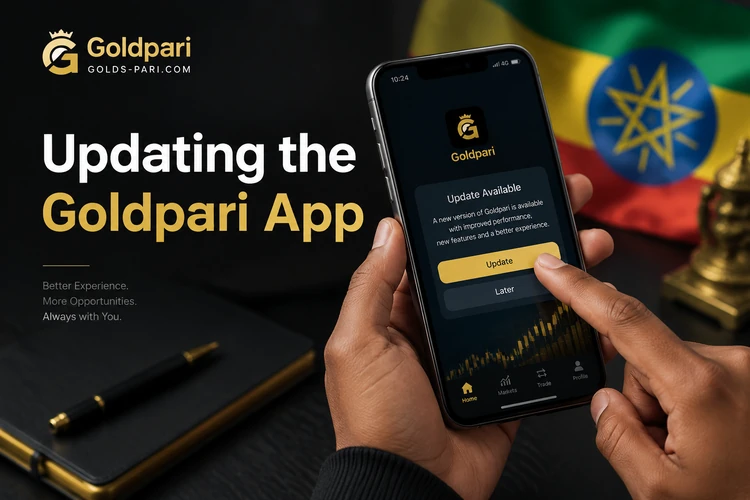
Goldpari releases new app versions periodically to add features, fix technical issues, and maintain compatibility with newer Android versions. When an update is available, you will typically see a notification inside the app or on the website prompting you to download the latest version.
To update, visit the same download section on golds-pari.com and download the new APK file. Install it over your existing app. Your account information and settings will be preserved during the update process. You do not need to uninstall the old version first. Android will replace the outdated version automatically when you install the new APK.
Always use the official website to avoid security risks from unofficial sources. This ensures your device remains protected during the update.
If you encounter problems during download or installation, these solutions address the most frequent technical issues:
Download does not start or fails: Check your internet connection stability and confirm you have sufficient storage space. Try switching between Wi-Fi and mobile data if one is not working. Clear your browser cache if the download button does not respond.
Installation blocked by Android: This happens when the installation permission is not enabled. Go to Settings > Security or Settings > Apps, find the installation permission setting for your browser or file manager, and enable it. Then try opening the APK file again.
APK file will not open: Make sure the download completed fully. A partially downloaded file will not install. Check the file size matches the expected size shown on the download page. If the file is corrupted, delete it and download a fresh copy.
App crashes or will not launch: Restart your device and try opening the app again. If crashes persist, uninstall the app completely, restart your device, and reinstall from a freshly downloaded APK. Ensure you are running a recent version of Android, as very old system versions may not be fully compatible.
A qualifying in-play tennis stake unlocks cash-out on the next set. Same ticket, desktop or mobile.
Goldpari in the browser. Cash-out stays on the ticket you already built.
Visit the official Goldpari website at golds-pari.com using your mobile browser. Find the app download section and tap the Android download button. The APK file will download to your device, and you can install it by opening the file and following the on-screen prompts.
The APK file is saved in your device's Downloads folder by default. You can access it through your notification bar immediately after download completes, or open your file manager app and navigate to the Downloads directory to find the Goldpari APK file.
Yes, Goldpari provides an Android application distributed as an APK file. Ethiopian users can download and install it directly from the official website. The app is designed for Android devices and requires manual installation rather than installation through the Google Play Store.
An APK is the installation package format used by Android devices. The Goldpari APK contains all the files needed to install and run the mobile app on your smartphone. You download this file from the website and use it to install the application manually on your device.
Yes, you can access Goldpari through any mobile browser without installing an app. Simply visit golds-pari.com on your smartphone and the mobile-optimized website will load. This option requires no installation and works on any device with internet access and a modern browser.
The most common reason is that Android blocks installation from unknown sources by default. Go to your device settings and enable the installation permission for your browser or file manager. Other causes include insufficient storage space, incomplete download, or corrupted APK file. Try downloading again if enabling the permission does not resolve the issue.